HomeVisioner Blog
Why furniture and rugs get returned online, and the role of room visualization
Updated:
Why furniture and rugs bought online get returned, where a room preview helps and where it doesn’t, and how to measure its effect in your own store.
Not every return has the same cause
Furniture and rugs are among the hardest products to buy online. They are large, expensive and have to work with the rest of the home, and returning them is a hassle for both the shopper and the store. If you want fewer returns, you first need to separate their causes, because different causes call for different fixes.
Broadly, there are two groups. The first is about the product itself and the delivery: shipping damage, late delivery, a quality problem, a missing part, or a sofa that won’t fit through the door. The second is about how the product looks in the home: the color turns out different from the screen, the piece looks bigger or smaller in the room than expected, or the style clashes with the existing furniture.
Making this distinction in your own return records is the first step. If your return form has no “color/appearance not as expected” and “size not as expected” options, add them; only then will you see which group dominates in your store.
Rugs: color, pattern and size
With rugs, appearance-related returns stand out in particular. The same rug can look very different in a product photo shot under studio lighting and in a north-facing living room. A pattern’s intensity makes a different impression once you see it together with the color of the floor and the furniture. Size is a separate question: judging from a product page how much space a 160 × 230 cm rug will take up in front of the sofa is not easy.
A room preview targets exactly these questions: shoppers see the rug in a photo of their own room, on their own floor and in their own light. We explain how we keep the rug’s pattern, border and colors from your product photo on our page for rug stores.
In short: the AI is asked to keep the rug’s outline, border, pattern and colors as they are in the product photo; if the product text and the photo disagree, the photo wins. Fringe that isn’t visible in the photo is not added. Perspective, light and shadow are matched to the room, and the rug goes under the furniture where needed. So the colors don’t look like a calibrated color swatch, but the way they would look in that room’s light — which is exactly the answer to the question about appearance.
What room visualization can’t do
A preview aims to reduce the uncertainty in the second group; it doesn’t touch the first. Shipping damage, delivery times or quality problems don’t change because of a preview.
It also pays to be clear about size: a preview is an AI-generated image, not a measuring tool. A single room photo contains no real measurements; the AI estimates size from cues in the room such as doors and furniture, and scale and proportions are representative. That is why the dimensions on your product page still matter. Whether a sofa fits through the door, or a rug fits the room, is for a tape measure to decide.
We also don’t give a general figure for how much returns will drop. That depends on your product range, your price level, your customers and your return policy; another store’s result proves nothing for yours.
How to measure the effect in your own store
You can see whether the preview affects returns in your store with a simple comparison. We describe the steps in detail in our guide to reducing returns; in brief: note the starting return rate of the products concerned, turn the button on in one category, keep a similar category without it for comparison, and after a few weeks compare the two categories’ return rates over the same period. Don’t forget to allow for seasonal and promotional effects.
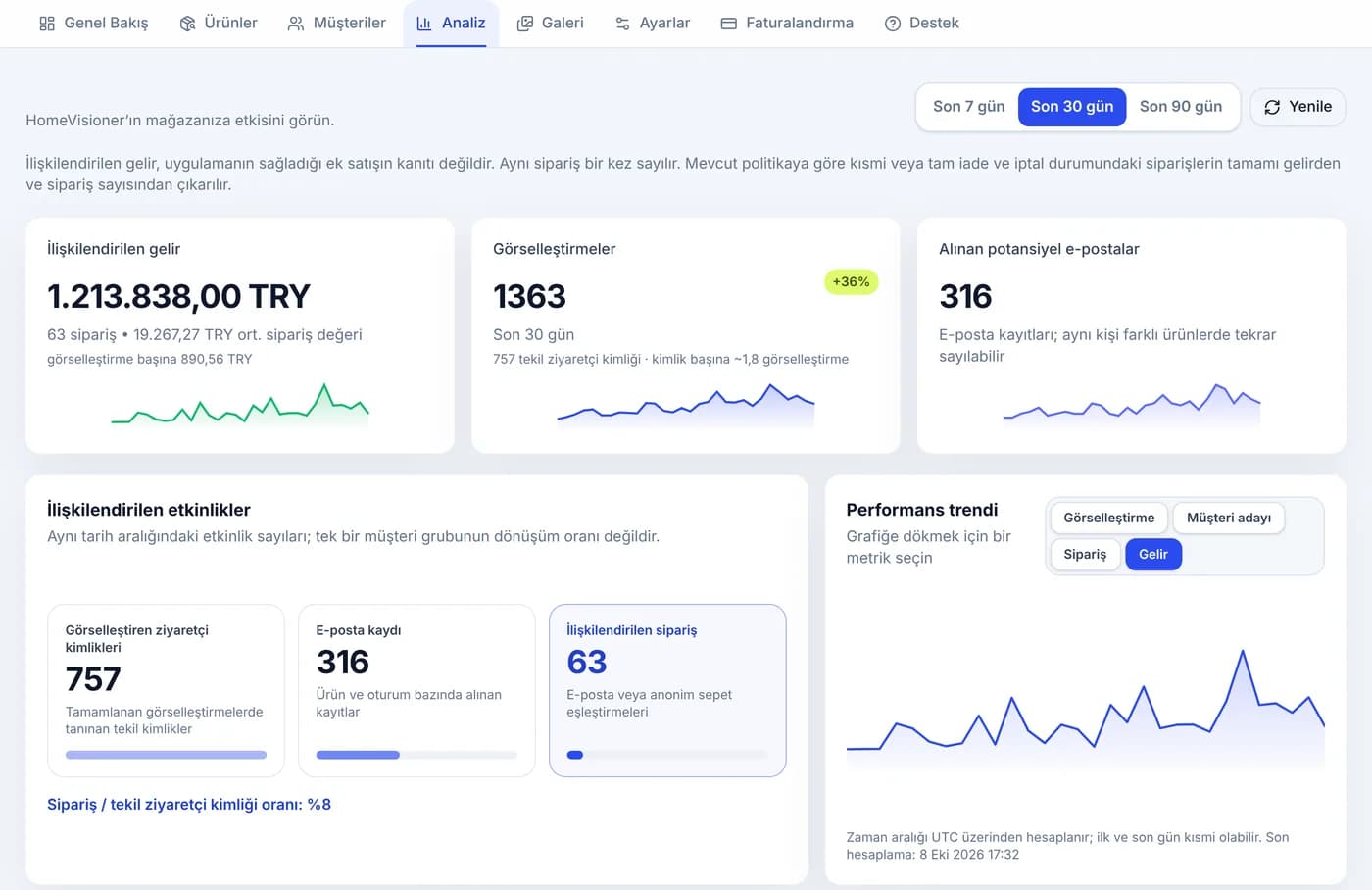
HomeVisioner’s Analytics screen shows visualizations and the attributed orders that follow them. Cancelled and refunded orders are not deducted from attributed revenue or the order count; the panel shows their amount and number separately. You still need to calculate your return rate from your own order records; the panel shows refunds but doesn’t know why something was returned.
Attributed orders are orders that follow a visualization and are linked to it; they are not proof that the preview made the sale or prevented a return. We set out plainly which rule counts what on the page that explains how we measure.
When choosing categories to compare, pick product groups that resemble each other: two rug collections or two sofa ranges that are close in price level, traffic and season, for example. If you compare two very different categories, the difference you see may come from the products themselves rather than the preview.
What you can do on your product pages today
With or without a preview, the basic steps for reducing appearance-related returns are the same. State dimensions clearly: width, depth and height for furniture, edge lengths for rugs. Show the colors in a photo taken in natural light as well. A photo that shows the whole product against a plain background is the image that helps the shopper — and a room preview — the most.
If you use a room preview, also tell your shoppers how to take a good room photo: wide angle, phone held horizontally, the floor and the spot where the product will go in the frame, good light. Photos in which a face is clearly visible are not processed; uploaded photos and previews are deleted automatically after 30 days.
Try HomeVisioner in your ikas store
Try the preview in a single category first: you turn the button on by product or by category, and you start on the free plan.