
Room visualization for floor and wall coverings
A new floor, a new wall — in your customer’s room.
For parquet, laminate, carpet and tiles, HomeVisioner replaces the floor in your shopper’s room photo; for paint, wallpaper and panels, the wall. The furniture stays where it is. It works from the product photos you already have. For Shopify and ikas.

Free plan on both platforms · free setup support
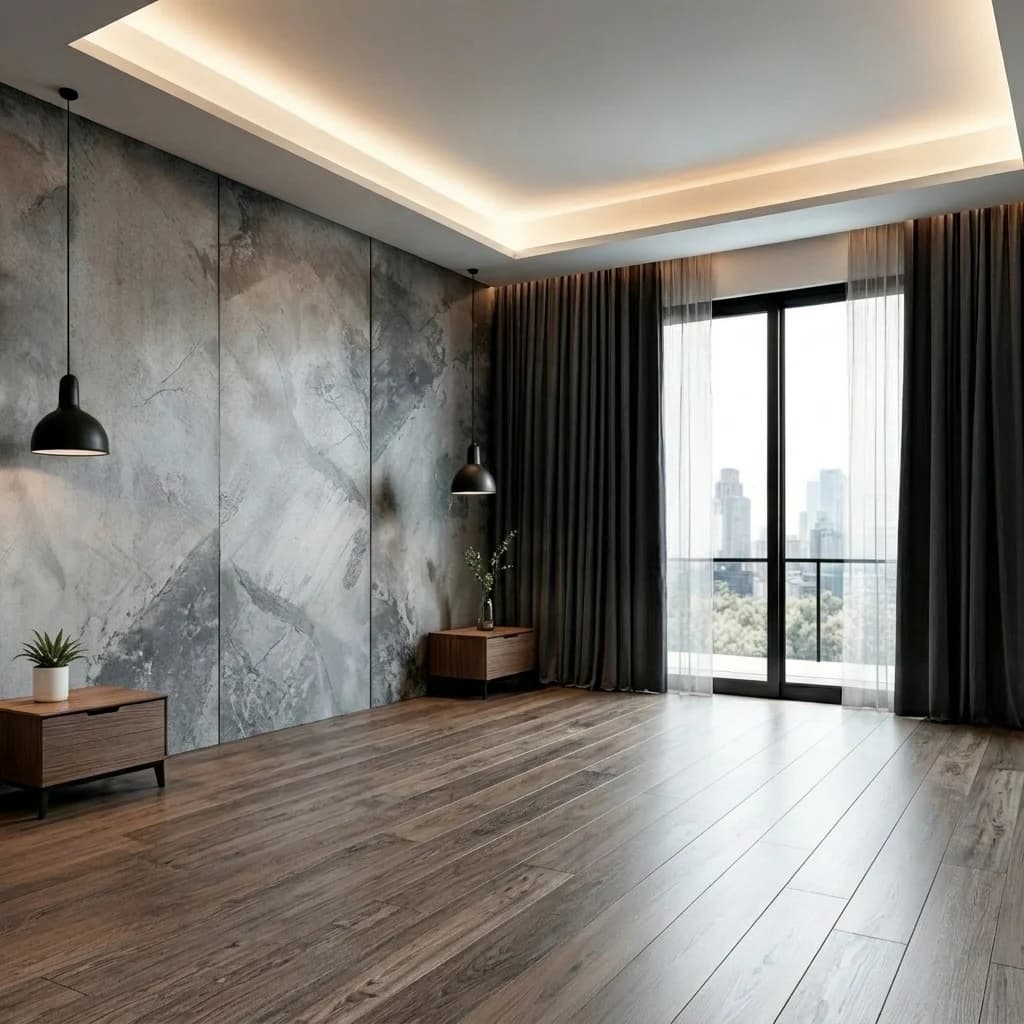
What the floor and wall modes do
A rug or a sofa is placed into the room. A floor covering or a wall paint replaces a surface instead — that is why they have modes of their own.
Floor
Parquet, laminate, vinyl, wall-to-wall carpet, tiles
- The whole permanent floor is replaced: wall to wall, into the corners and under the furniture.
- Furniture stays in place; loose rugs stay too, with the new floor continuing underneath.
- The product photo is used only as a material sample: its colour, texture, pile and pattern are kept, not the photo’s shape or background.
- Planks come out as continuous boards, tiles with grout lines in the room’s perspective, carpet as one seamless surface.
Wall
Wall paint, wallpaper, murals, panels, tiles
- Paint goes on the visible paintable walls — the wall’s texture, light and shadows stay. The can and label are not shown.
- Wallpaper, panels and tiles go on the main wall by default. Shoppers can say which wall they mean in the optional placement field.
- Wallpaper patterns continue across the joins; a mural stays one continuous picture. Panels and tiles get even modules and straight joints.
- Floor, ceiling, doors, windows, outlets, trim and furniture stay unchanged.
What the preview is not
A preview helps with colour, material and how a surface looks in the room. For quantities, sizes and laying patterns it remains an approximation.
Scale is approximate
A room photo contains no real measurements. The AI estimates plank width, tile size and pattern size from the room. Your product details and a proper measurement decide the quantity.
Joints and pattern repeat are illustrative
Grout lines, laying pattern and a wallpaper’s repeat are shown convincingly, but not calculated from your laying plan.
Mirrors and shelves are objects
Mirrors, wall shelves, clocks and other single furnishings use object mode. Wall mode is for coverings that cover a whole wall.
Still an AI image
Colours look the way they would in the room’s light, not like a swatch, and details can differ. If a result looks off, the shopper can try again or use another photo.
Good and bad room photos
The Shopify widget shows shoppers these two examples when they upload. For floors and walls: the more of the surface is visible, the better.
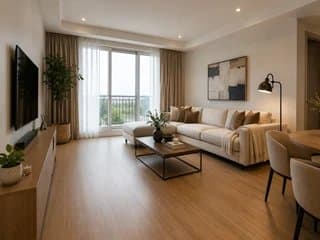
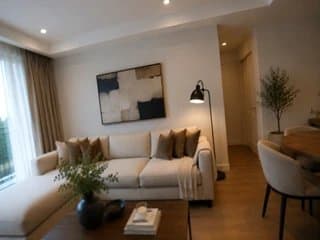
- Wide angle, phone held horizontally
- For floors: as much floor in the picture as possible
- For walls: the wall straight on, not blocked
- No people: photos with a clearly visible face are not processed
Choosing the right mode
The mode decides whether a product is placed into the room or laid as a surface. Product titles and tags alone never switch a product to floor or wall.
Shopify
- 1Install HomeVisioner from the Shopify App Store and drag the block into your product template in the theme editor.
- 2Under “Product types”, choose “Floor coverings” or “Wall coverings” — or, where enabled, “Multiple product types”, and HomeVisioner will choose per product.
- 3For a mixed catalog, set the mode with a collection rule or per product. If detection is unsure or disagrees with a collection rule, the app asks you to confirm.
- 4Under “Manage”, turn the button on for the collections or products.
ikas
- 1Install HomeVisioner from the ikas App Store; the button places itself next to “Sepete ekle” (Add to cart).
- 2In the panel’s settings, choose the mode: “Zemin kaplama” (floor covering), “Duvar kaplama” (wall covering) or “Otomatik” (automatic by product category; object when unsure).
- 3Adjust single products in the “Ürünler” (Products) tab through the “Mod” column.
- 4Turn the button on per category or product.
Setup support is free: [email protected].
Start for free
Floors and walls cost nothing extra: every preview counts like any other. The platform pages have every plan in detail.
Shopify
- Free: 20 visualizations a month
- Paid plans from $14.99 / month (Starter: 100 visualizations, 14-day free trial)
- Billed through Shopify in USD
ikas
- Free: 20 visualizations a month
- Paid plans from €24.99 / month (Starter: 100 visualizations, 14-day free trial)
- Billed in euros
Common questions about floors and walls
Other categories
Show floors and walls where they will go.
Start for free on Shopify or ikas. Setup support is free.