Judge size more easily
See the furniture's proportions in the context of your existing room.

HomeVisioner
A product photo rarely shows how a sofa, table, or chair will look at home. A realistic preview makes the decision easier.
See the furniture's proportions in the context of your existing room.
Try different products and find the right combination.
HomeVisioner combines your room photo and product image into a natural-looking result.
On the left the photo of an empty living room, on the right the same room with a sofa, coffee table and rug. Windows, floor and light are kept; the furniture follows the perspective of the photo.
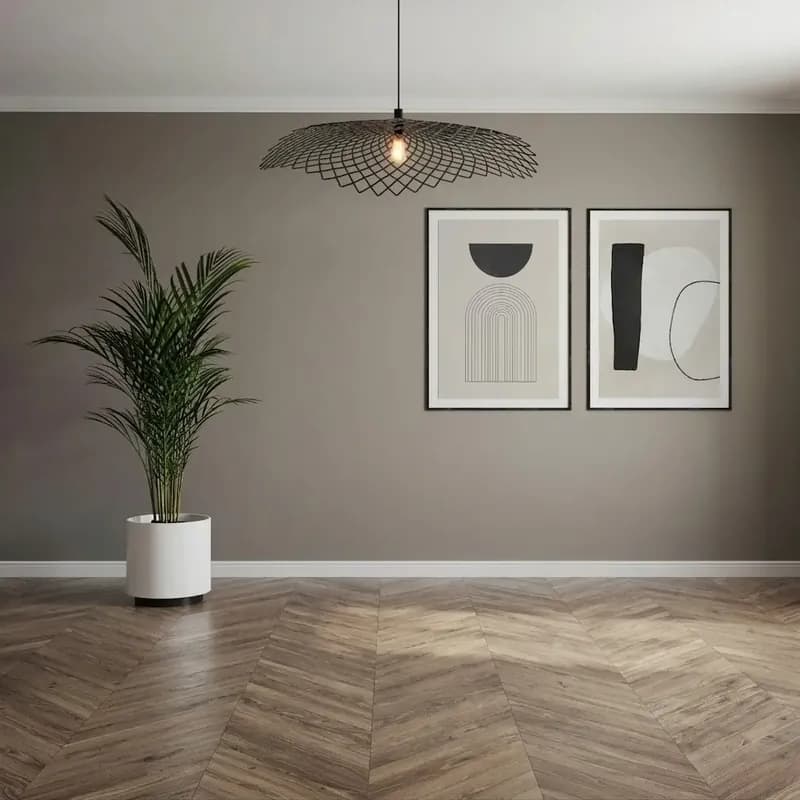 Before
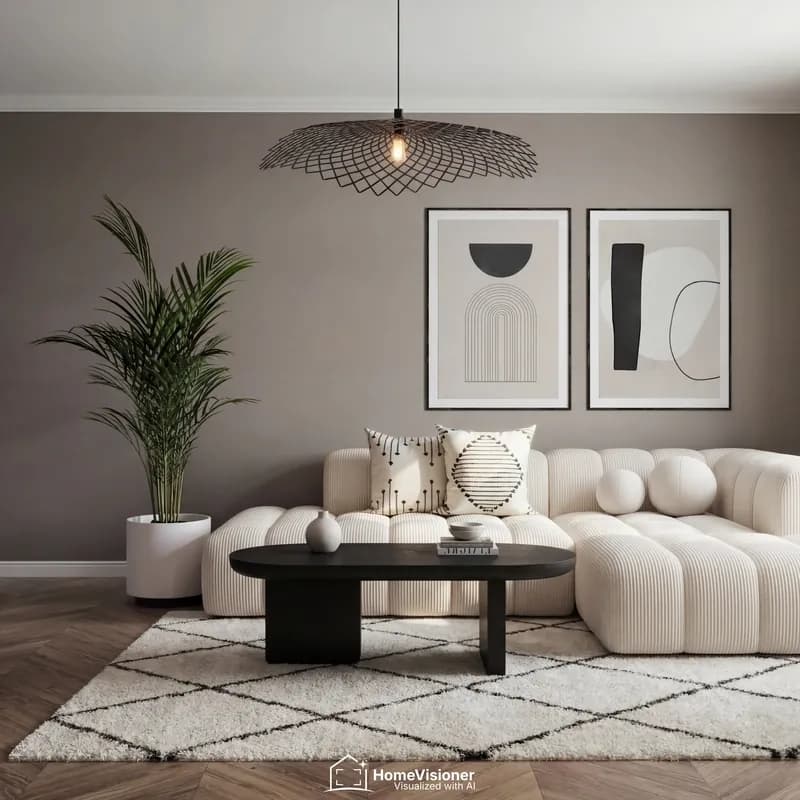 After
AfterA preview answers different questions than a product photo. Look for these points:
The preview is an AI image, not a measurement: scale and proportions are an approximation. Whether a sofa fits the alcove or a table leaves room to pull out the chairs is settled by the product's dimensions and a tape measure. Think of door widths and stairs for the delivery too.
Photograph the area the furniture is meant for, with some floor in front of it. The HomeVisioner widget shows these two examples on its upload screen too.
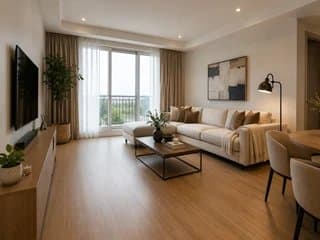
What works
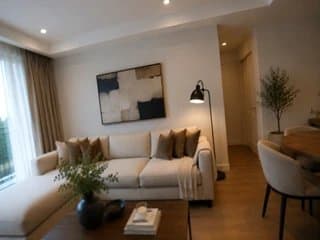
Better avoid
For example sofas, tables, chairs, shelving, and beds.
Yes. Create a separate preview for each product.
It is an approximation, not a survey. Whether a piece fits is decided by the product's dimensions.
Visualize products photorealistically in your own room: upload a room photo, add a product, and get a preview in seconds.
See a rug in your own living room before buying. HomeVisioner creates a realistic AI preview.
Shoppers see furniture in their room before buying. This builds confidence and can reduce ecommerce returns.