Check colours in real light
The preview shows how a rug looks beside your furniture and in your daylight.

HomeVisioner
With rugs, colour, pattern, and size determine whether a room feels harmonious. A preview in the real living room makes choosing easier.
The preview shows how a rug looks beside your furniture and in your daylight.
Compare subtle, patterned, or colourful rugs in your existing interior.
A room view helps you see whether the rug connects the area you want.
On the left the empty dining area, on the right the same room with a round dining table, chairs and a light striped rug. The rug follows the perspective of the floor; light and shadow match the room.
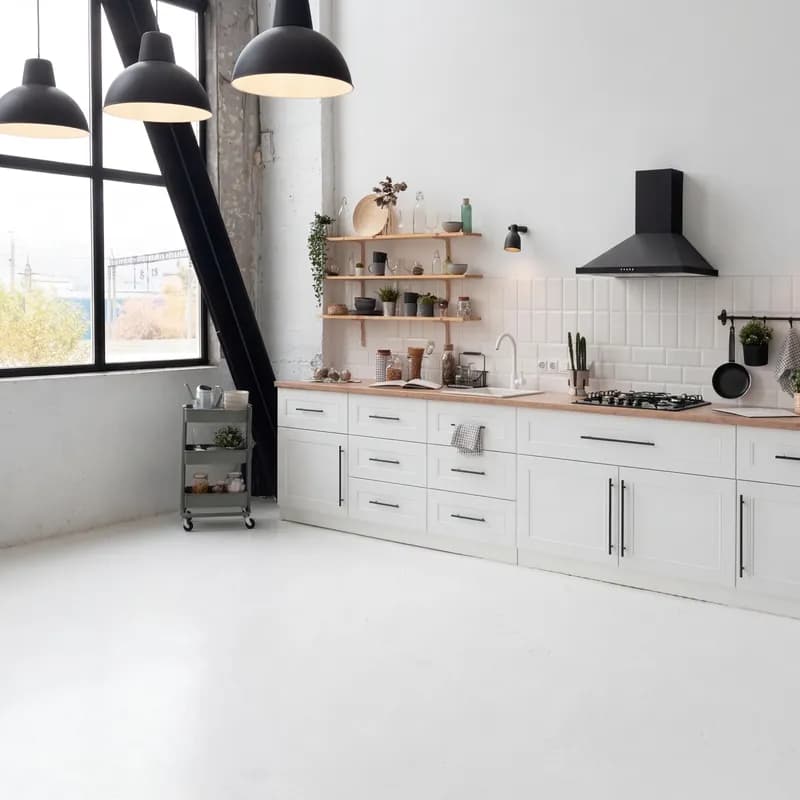 Before
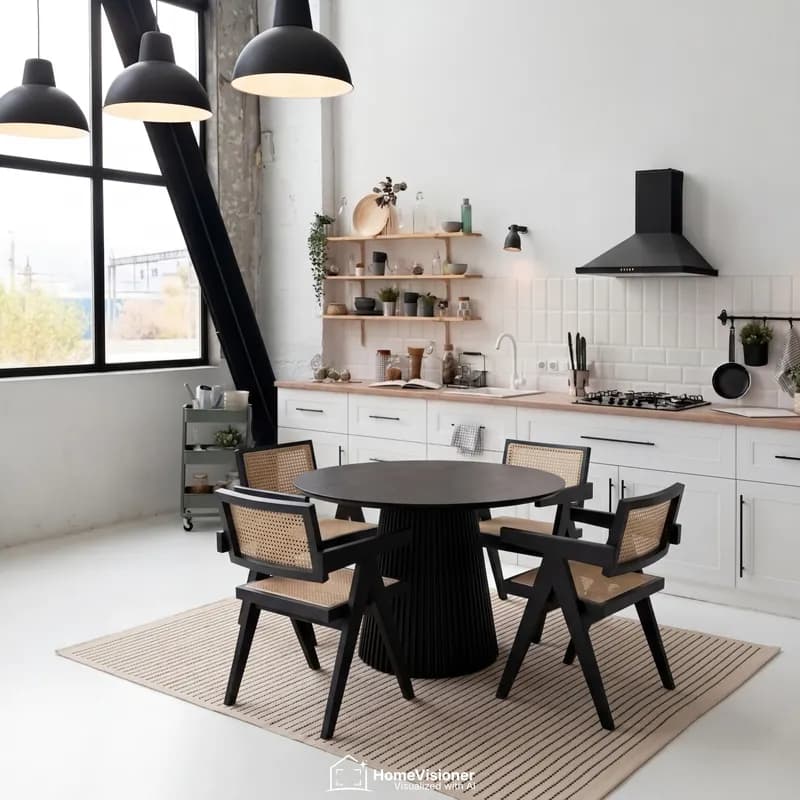 After
AfterThe preview shows the effect; the size is for the tape measure. These interior rules of thumb help you choose:
For rugs, the floor matters most: plenty of it has to be in the shot. The HomeVisioner widget shows these two examples on its upload screen too.
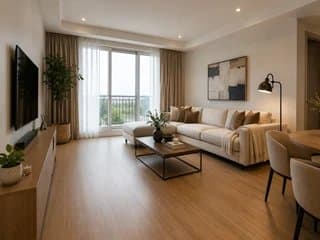
What works
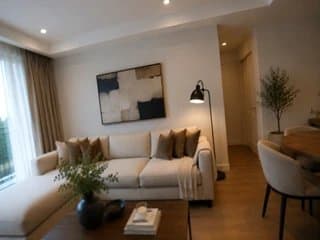
Better avoid
Colour, pattern and style alongside your floor and furniture are what a preview is good at. Exact size is not: scale and proportions are an approximation. Fine patterns can differ in detail from the original – when in doubt, compare with the product photos.
Yes. Upload each product image and compare the previews.
Yes. Patterns, colours, and material appearance are included in the preview.
No, it is an approximation. Measure the area and compare it with the rug's dimensions.
Visualize products photorealistically in your own room: upload a room photo, add a product, and get a preview in seconds.
Visualize furniture in your own room: check style, size, and impact before buying with HomeVisioner.
Two ways to show furniture and décor in a shopper's room: an AI preview built from product photos, or 3D models with AR. Use, cost structure and limits.